
Skeleton Symposium
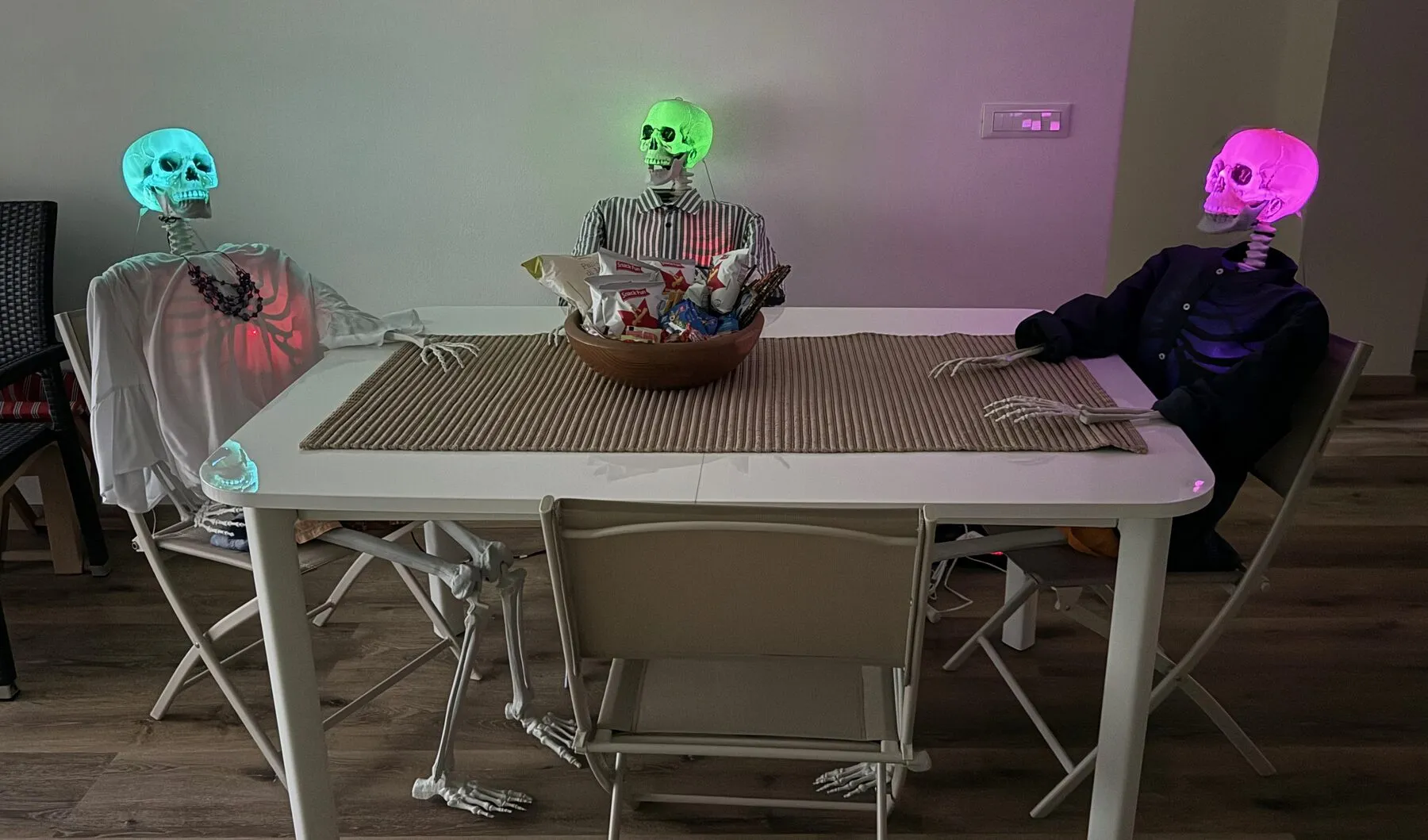
A hobby project where software, language models and hardware meet: three animatronic skeletons that talk to each other.
The idea
Three skeletons stand side by side, each with its own voice, personality and LED colour. I give them an opening topic, and they carry on from there: one speaks, the others react with a nod or a head shake, and the next one picks up the thread. The topic can be changed at any time to steer them somewhere else. It is a tinkering project rather than a product, born from my enjoyment of building hardware and of writing the software and firmware that brings it to life, from the prompt to the servo.
How it works
A Python program, the orchestrator, runs on a laptop or small computer on the same network and does the thinking. For each turn it:
- asks Claude for the next line, with a separate system prompt and a rolling history for each character,
- turns the text into speech with Kokoro, a local text-to-speech model, so no audio leaves the machine, using an individual voice per character,
- plays the audio panned across stereo channels (left, center, right), so the voice comes from the right skeleton,
- sends the matching skeleton a command to move its jaw for the length of the audio and to glow in its colour, while the listeners nod, shake their heads or look at the speaker.
The interesting part is latency. While one skeleton is still speaking, the orchestrator already requests and synthesizes the next turn in the background, so the conversation flows without long silences. Everything runs on a single asyncio event loop; blocking work such as audio playback and MP3 conversion is pushed into executors. The terminal UI, built with Textual, shows a panel per skeleton and accepts commands such as/topic to change the subject. Each session is recorded as audio together with a text transcript.
The skeletons
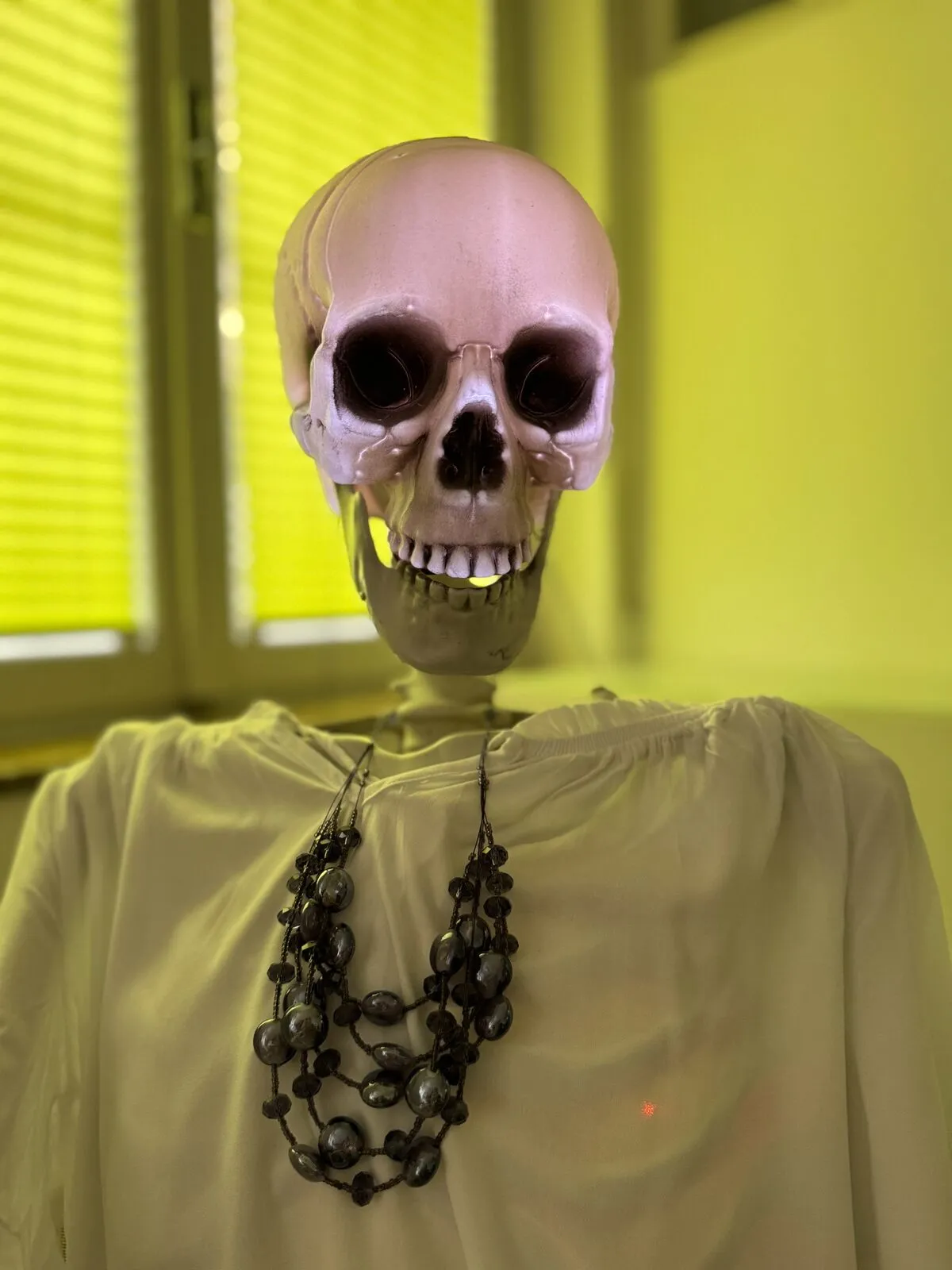
Each skeleton is driven by an ESP32 with three servos (two for the head, one for the jaw) and a short LED strip inside the skull. All units run exactly the same firmware binary. Wi-Fi credentials and the skeleton’s ID are not compiled in; on first boot, or after a reset, the board opens a captive portal where both are entered and stored in flash. After joining the network, a skeleton advertises itself over mDNS, so the orchestrator finds it without any IP configuration, and it listens for plain-text UDP commands. New firmware can be flashed over the air, which matters when the skeletons are installed in place.
| Command | Effect |
|---|---|
COLOR:<hex> | Set the character colour, lift the head and activate the skeleton |
TALK:<secs>:<hex> | Chatter the jaw for the given time while the skull glows in a colour |
NOD / SHAKE | Head gestures, used as listener reactions |
LOOK:<direction> | Turn the head left, right or straight ahead |
STOP | Halt jaw and gestures, return to the idle pose |
PING | The skeleton answers with its ID, used for health checks |
The firmware’s main loop is cooperative and never blocks, so jaw movement, gestures, LED animation, OTA updates and incoming packets all share it without stuttering. Motion commands are ignored until the first colour command has arrived, which keeps stale network packets from moving a freshly booted skeleton.
Lessons from the hardware side
Never let a connection problem erase configuration. The firmware I started from wiped its stored settings after a failed Wi-Fi attempt, so skeletons that had merely been moved came back in setup mode. It now keeps its configuration and retries.
ESP32 clients do not roam. With two access points sharing one network name, a skeleton can stick to the distant one. The firmware now scans all channels and joins the strongest signal.
Servo timers and Wi-Fi do not mix well. Servos are attached only after the connection is established, because their interrupts disturbed the connect phase.
Status and public appearance
The orchestrator and firmware work together end to end, and the skeletons run. I work on the code sporadically in my spare time (usually shortly before Halloween).
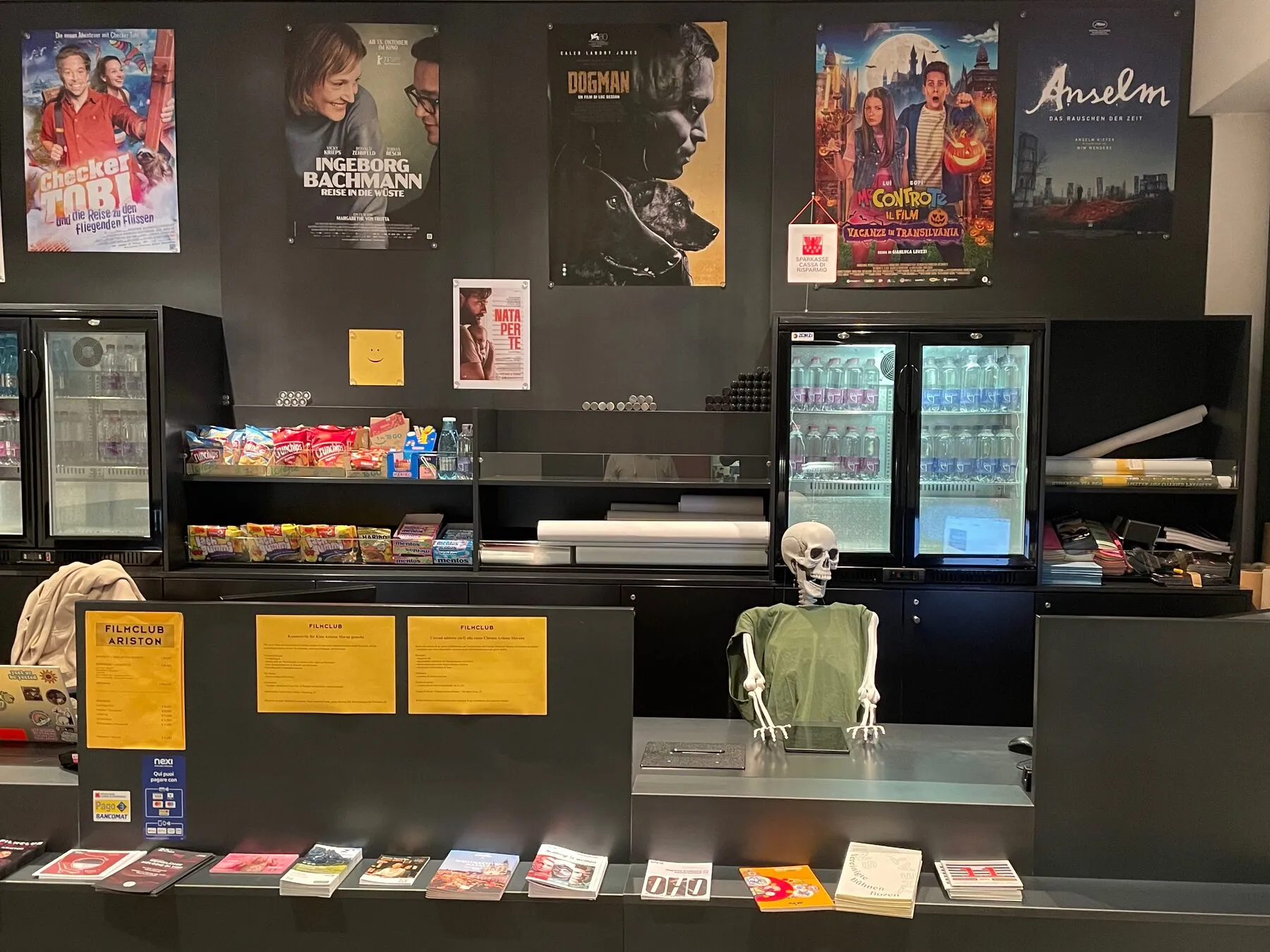
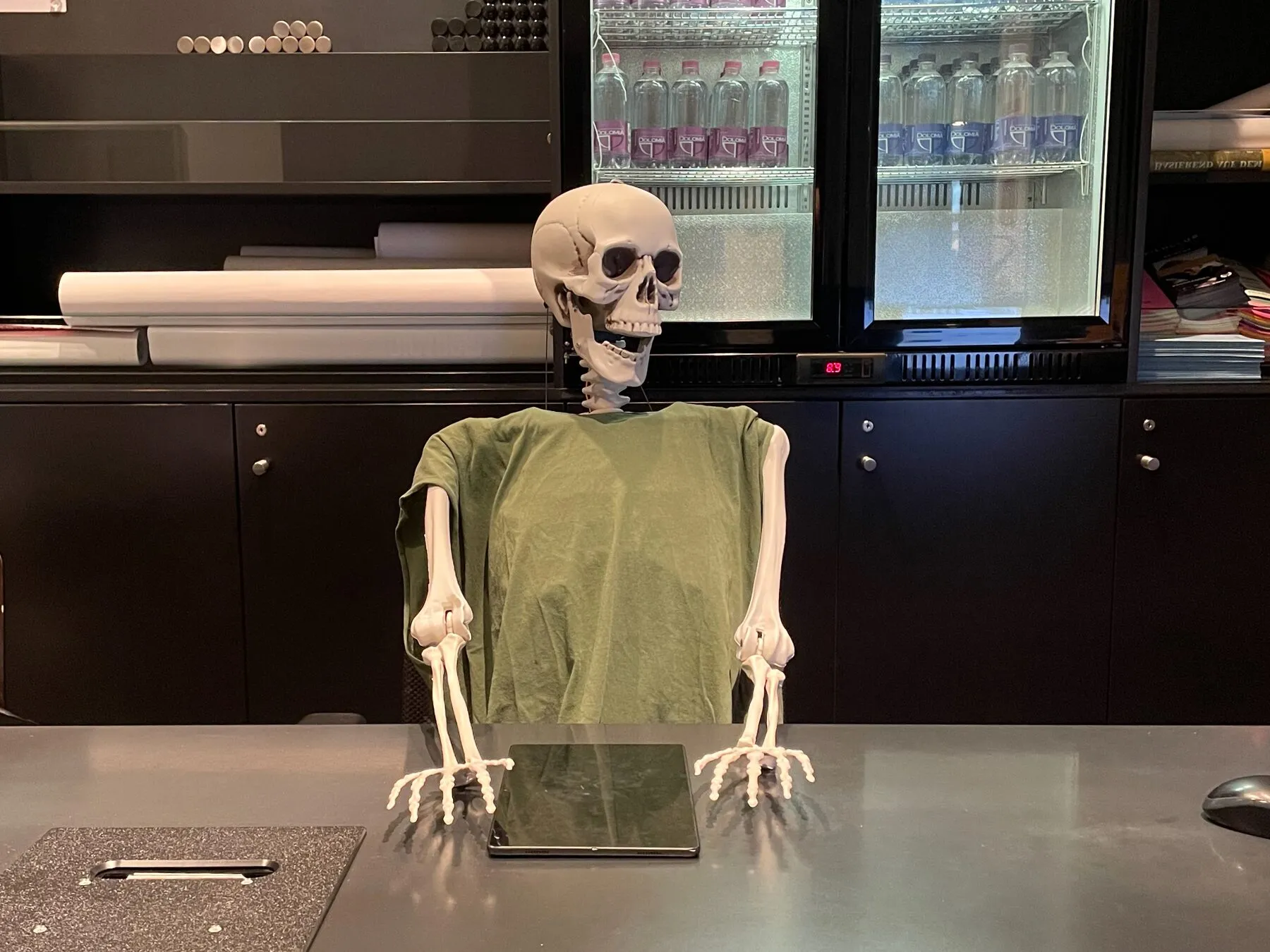
A few years ago, an early -- non-networked and voiceless -- iteration of the skeleton served a stint at the local cinema ticket counter over Halloween, entertaining kids on their way to the movies.
Inspiration & acknowledgments
The initial spark for this project came after watching a video by Catherine Alvord (watch on YouTube (opens in a new tab)), where she demonstrated building an interactive skeleton. I loved the concept and decided to explore my own architectural path, building an end-to-end distributed system with three networked skeletons, custom ESP32 firmware, local voice synthesis, and an asynchronous orchestration pipeline.
Catherine, if you happen to read this: thank you for the inspiration!